Affirm non-VoIP numbers for SMS verification
Affirm uses phone verification as one part of its account and security workflow. If you need a clean rental number for receiving an Affirm verification text, NonVoipUsNumber provides non-VoIP number options designed for SMS verification use cases. A non-VoIP number is generally closer to a standard mobile or carrier route than a typical app-based VoIP line, which can make it a practical choice when a service requests phone confirmation.
This guide explains the Affirm options currently shown in the NonVoipUsNumber service snapshot, how to choose the right rental duration, and how to complete the verification step responsibly. Verification results can vary based on Affirm availability, account eligibility, service rules, number history, network routing, and your connection environment, so no provider should promise guaranteed verification.
Before you order, create or log in to your NonVoipUsNumber account through the signup page, review the latest service list on the pricing page, and choose the rental type that fits your timing.
Available Affirm number categories
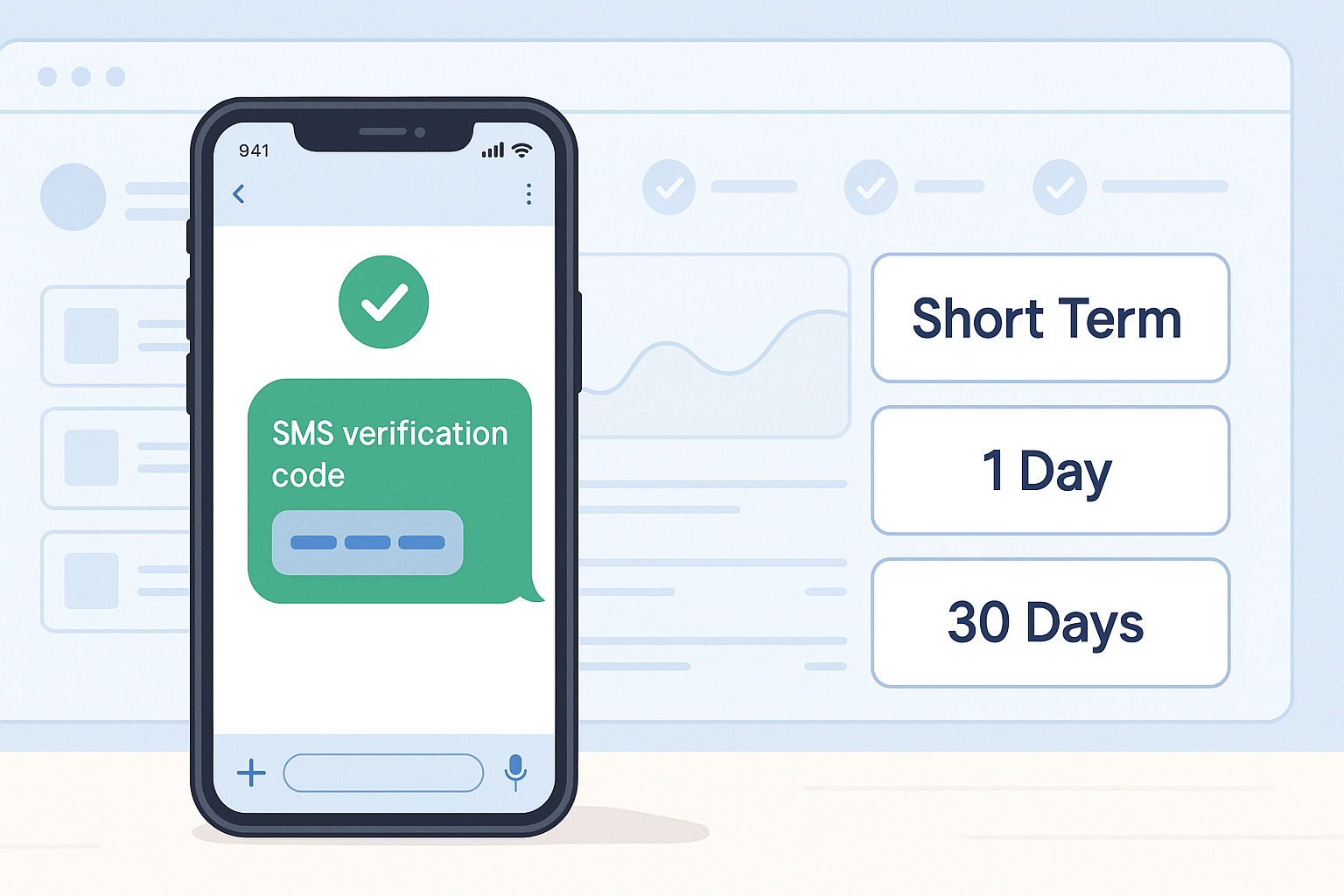
NonVoipUsNumber currently lists Affirm under several rental categories. Short-term options are useful when you only need to receive a single SMS during account setup. Longer rentals are better when you may need follow-up messages during the rental window.
| Category | Duration or type | Affirm service name | From price | Current stock note | Best for |
|---|---|---|---|---|---|
| Long Term | 30 Days | Affirm | 4.50 | 12 available | Users who may need follow-up verification during the month |
| One Day | 1 Day | Affirm | 2.81 | 0 shown in the snapshot | Short account setup windows when stock is available |
| US Short Term | US Short Term | Affirm | 0.30 | 500 shown through mapped stock | Fast SMS verification when you need a United States option |
| Other Countries Short Term | United Kingdom, Canada, United States (Virtual) | Affirm | 0.34 | 34,466 total shown across listed countries | Testing available country routes that match your legitimate account needs |
Prices and stock can change quickly because rental inventory is shared across buyers. Always check the live pricing page before ordering. The table above preserves the snapshot prices exactly as displayed: 4.50 for 30 Days, 2.81 for 1 Day, 0.30 for US Short Term, and 0.34 for Other Countries Short Term.
Which Affirm rental duration should you choose?
If you only need to receive one verification SMS from Affirm, the US Short Term Affirm option is usually the most direct place to start when it is available. It is listed from 0.30 and is ordered from the short-term dashboard. This option is meant for quick verification sessions, so it is best when you are ready to enter the number and monitor the order inbox right away.
If you expect Affirm to request another code later, consider the 30 Days Affirm option from 4.50. A longer rental gives you more time to receive additional SMS messages during the rental period, which may be helpful for account security checks, device changes, or delayed setup steps. You can manage this type of rental from the long-term orders page.
The 1 Day Affirm option from 2.81 can be useful for a same-day setup when stock exists. In the supplied snapshot, the 1 Day product shows 0 stock, so check the one-day rental page for current availability before planning around it.
Other Countries Short Term includes United Kingdom, Canada, and United States (Virtual) in the snapshot. Use these only when they match your legitimate account context and the third-party service terms. Do not use country selection to misrepresent identity, evade platform rules, or bypass restrictions.
How to open an Affirm account with a NonVoipUsNumber number
Use this process for lawful account creation and SMS verification. Affirm may have its own eligibility requirements, identity checks, and account rules. Follow those terms and use your own accurate details.
- Create the Affirm account with your own information. Start on the official Affirm website or app and enter your real details where required. Do not use the service for impersonation, fraud, spam, or account abuse.
- Choose the matching service on NonVoipUsNumber. In your NonVoipUsNumber dashboard, select Affirm as the service. Choose the category that fits your situation: 30 Days, 1 Day, US Short Term, or one of the listed Other Countries Short Term routes if appropriate.
- Rent the available number. Place your order only when you are ready to complete the phone verification step. For quick setup, go to the short-term dashboard. For 30 Days, use long-term orders. For 1 Day, use one-day rent.
- Enter the rented number only on Affirm's phone-verification step. Use the number for the intended SMS verification prompt. Avoid submitting it to unrelated services because that may interfere with message routing or account security.
- Wait for the SMS in the order inbox. Keep the NonVoipUsNumber order page open and watch the inbox attached to your rental. Delivery time can vary depending on carrier routing and service-side delays.
- Enter the received code in Affirm. Copy the code from your order inbox into the Affirm verification field. Do not share codes with anyone.
If verification does not work, first confirm that the Affirm service is in stock and that you selected the correct category. You can try another available number if the order flow allows it. For connection consistency or legitimate privacy, you may use a stable high-quality proxy or reputable paid VPN, preferably matching the intended account country. Do not use proxies or VPNs to bypass bans, fraud checks, regional restrictions, platform rules, or abuse-prevention systems.
Why buyers choose non-VoIP numbers for Affirm
Many buyers prefer non-VoIP numbers because SMS verification systems may treat certain internet-based VoIP numbers differently. A non-VoIP rental can provide a more suitable route for receiving a one-time text, especially when you do not want to expose your personal phone number during a verification workflow.
- Separate your personal number: keep your everyday mobile number private when completing supported SMS verification steps.
- Pick a practical duration: choose US Short Term for quick use, 1 Day for same-day setup when available, or 30 Days for a longer window.
- Use a service-specific selection: selecting Affirm helps route your order through inventory intended for that service.
- Monitor messages in one place: receive the SMS inside the NonVoipUsNumber order inbox rather than on a personal device.
Ordering tips before you start
SMS rentals work best when you prepare before sending the code. Sign in to Affirm, reach the phone-verification screen, then rent the number. This reduces waiting time and helps you use the rental window efficiently. Keep the order inbox open until the message arrives.
Also review stock and pricing first. The snapshot shows 30 Days Affirm from 4.50, 1 Day Affirm from 2.81, US Short Term Affirm from 0.30, and Other Countries Short Term from 0.34. Because availability changes, the live dashboard is the final source for current options.
If you need help using the site, use the live chat widget on NonVoipUsNumber. Support can help with site navigation, order flow, and availability questions, but they cannot override Affirm's own policies or promise approval from a third-party platform.
Final thoughts
An Affirm non-VoIP number from NonVoipUsNumber can be a practical tool when you need to receive an SMS verification message without using your personal phone number. Choose the rental duration that fits your verification window, follow Affirm's terms, use accurate account details, and avoid any activity that could be considered fraud, spam, or abuse. For the latest inventory, start with signup, review pricing, and order from the relevant dashboard when you are ready to receive the SMS.
Available Affirm rental options
This table shows the latest available catalog pricing and stock. Confirm the linked live listing before ordering.
| Category | Best for | Current label | From price | Current stock |
|---|---|---|---|---|
| US Short Term | Fast SMS verification when a US short-term number is enough. | Affirm | $0.30 | 501 available |
| 1 Day | A one-day rental when setup may need extra time. | Affirm | $1.88 | 550 available |
| 30 Days | Ongoing login, account recovery, and repeat verification during the rental period. | Affirm | $3.00 | 559 available |
| Other Countries Short Term | Country-specific short-term availability outside the United States. | 6 countries | $0.34 | 3,787 available |