WalletHub SMS verification with a non-VoIP number
WalletHub may ask for phone verification when you create or secure an account. For many users, a standard virtual VoIP number is not the right fit because financial and identity-related services often prefer mobile-style numbers that look more like regular carrier numbers. NonVoipUsNumber provides rented non-VoIP US numbers that can receive SMS messages in your order inbox, including numbers listed for WalletHub when stock is available.
This guide explains how to choose a WalletHub number rental, what each duration is best for, and how to complete the SMS step responsibly. Verification is never guaranteed because the final decision is controlled by WalletHub, its risk systems, your account information, network quality, and current number availability. Use your own accurate details, follow WalletHub terms, and only use the number for legitimate account access.
Available WalletHub number options
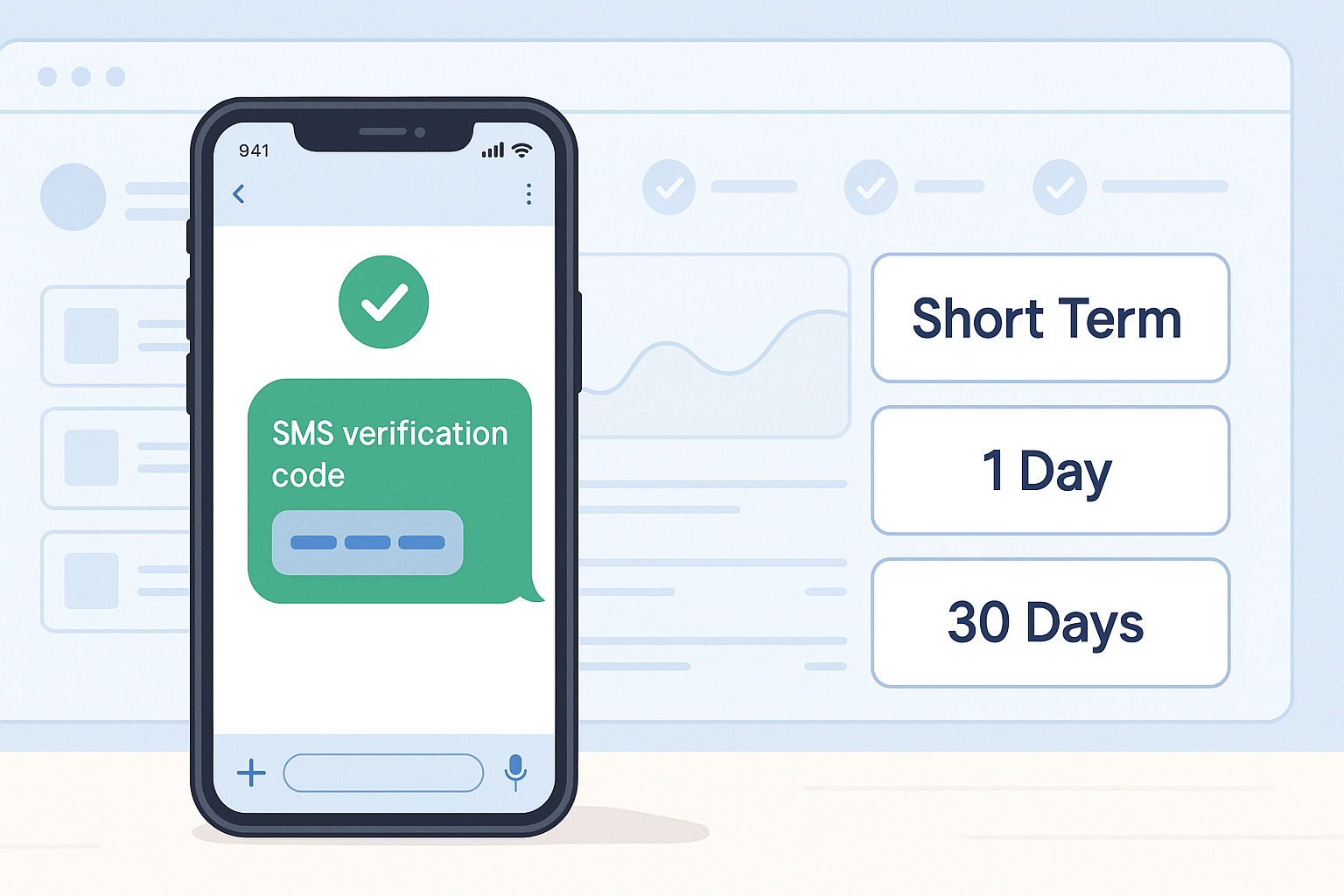
NonVoipUsNumber currently lists WalletHub availability in three rental categories: US Short Term, 1 Day, and 30 Days. The right choice depends on whether you only need to receive one code during signup or want more time for account setup and follow-up messages.
| Category | Duration | WalletHub price from | Best for |
|---|---|---|---|
| US Short Term | Short verification session | 0.30 | Receiving a WalletHub SMS code during a quick verification flow |
| 1 Day | 1 Day | 2.81 | Users who want extra time in case the SMS is delayed or setup takes longer |
| 30 Days | 30 Days | 4.50 | Users who may need access to the same rented number for a longer setup window |
Prices are shown as starting prices and can vary by product availability. Check the live pricing page before ordering, because stock and prices can change as numbers are rented.
Which WalletHub rental duration should you choose?
US Short Term is the most direct option when you only need a number for the WalletHub phone-verification step. It is usually the lowest-cost choice, starting from 0.30 for WalletHub, and it is designed for a short SMS receiving window. Choose this when you are ready to complete the verification flow immediately.
1 Day gives you a longer rental window. It can be useful if you are setting up your WalletHub account carefully, confirming your email, reviewing your details, and want extra time in case WalletHub sends the SMS later than expected. The WalletHub 1 Day option starts from 2.81.
30 Days is for users who prefer a longer access period to the rented number. If you are building a more complete account profile, handling setup over multiple sessions, or want more time in case a service asks for another SMS within the rental period, the 30 Days WalletHub option starts from 4.50.
How to open a WalletHub account with a NonVoipUsNumber number
Before ordering, make sure you are using WalletHub for lawful, personal, or business purposes that comply with its terms. Because WalletHub is connected to financial identity and credit-related information, you should create the account with your own accurate details. Do not use a rented number to impersonate another person, hide fraud, spam, or abuse platform rules.
- Create or start your WalletHub account using your own correct information.
- When you reach the phone-verification step, go to NonVoipUsNumber and choose the matching WalletHub service.
- Select the rental category that fits your timing: US Short Term, 1 Day, or 30 Days.
- Rent the available WalletHub number from the relevant order page.
- Enter that rented number only in the WalletHub phone-verification field.
- Wait for the SMS to arrive in your NonVoipUsNumber order inbox.
- Copy the received code into WalletHub and continue the account process.
If the SMS does not arrive or WalletHub does not accept the number, first check current stock and service availability. You can try another available WalletHub number if stock allows. For legitimate privacy or connection consistency, you may also use a stable high-quality proxy or reputable paid VPN, preferably matching the intended account country. Do not use network tools to bypass bans, fraud checks, regional restrictions, platform rules, or abuse prevention systems.
Ordering WalletHub numbers on NonVoipUsNumber
If you are new to the site, start by creating an account on the signup page. After logging in, review the pricing page to confirm current WalletHub availability and the latest stock. Then choose the order page that matches your preferred category.
- Use the US Short Term order page for quick WalletHub SMS verification sessions.
- Use the 1 Day rental page when you want a full-day receiving window.
- Use the 30 Days order page when you want longer access to the rented number.
After you rent a number, keep the order page open while requesting the code from WalletHub. SMS delivery can be fast, but delivery time depends on the service, route, and current network conditions. If you are unsure which option fits your use case, ask through the site live chat widget before purchasing.
Best practices for a smoother WalletHub verification
- Be ready before renting: Open WalletHub first and rent the number only when you are at the phone step.
- Use matching service selection: Choose WalletHub in the NonVoipUsNumber service list so the number is intended for that SMS route.
- Avoid repeated rapid attempts: Too many requests can trigger delays or additional checks on many platforms.
- Keep your session consistent: Use a reliable connection and avoid switching browsers, devices, or locations mid-verification unless necessary.
- Respect account rules: Use your own details and do not create accounts for fraud, spam, evasion, or misleading activity.
A non-VoIP number can improve compatibility compared with common VoIP lines, but no SMS rental provider can control WalletHub acceptance. Treat the number as one part of a compliant signup process, not a way to bypass WalletHub security checks.
Why buyers use NonVoipUsNumber for WalletHub
NonVoipUsNumber is built for users who need clean, service-specific number rentals for SMS verification workflows. The ordering flow separates short sessions, 1 Day rentals, and 30 Days rentals, making it easier to match your budget and verification timing. You can view available WalletHub stock, rent the number, and monitor the SMS in the order inbox from your account dashboard.
For a quick WalletHub attempt, US Short Term is usually the simplest starting point. If your setup requires more time, the 1 Day or 30 Days options give you a wider window. Always check live availability before you begin, and contact support through the site live chat widget if you need help choosing the correct category.
Available WalletHub rental options
This table shows the latest available catalog pricing and stock. Confirm the linked live listing before ordering.
| Category | Best for | Current label | From price | Current stock |
|---|---|---|---|---|
| US Short Term | Fast SMS verification when a US short-term number is enough. | WalletHub | $0.14 | 501 available |
| 1 Day | A one-day rental when setup may need extra time. | WalletHub | $1.88 | 550 available |
| 30 Days | Ongoing login, account recovery, and repeat verification during the rental period. | WalletHub | $3.00 | 559 available |